

Horizontal
Primary lockup for headers and documents.
Niall Tech
Official logos, colors, and files for approved Niall Tech communications. Use these masters as provided—do not redraw, recolor, or redistribute altered marks.
Lockups
Horizontal, stacked, and icon-only marks in dark and light variants. SVG is preferred for digital use.
Primary lockup for headers and documents.


Centered placements and square formats.


Favicons, avatars, and compact UI.
Downloads
Approved lockups for everyday digital use. Prefer SVG whenever possible.

Production master icon — the approved folded-beam N.
Full-color icon for light backgrounds.
Reverse (white) icon for dark backgrounds.

Primary horizontal lockup with icon and wordmark.
Full-color horizontal lockup for light surfaces.
Reverse horizontal lockup for dark surfaces.

Horizontal lockup with MODERN IT. LOCAL EXPERTISE.

Centered stacked lockup for square placements.
Full-color stacked lockup for light backgrounds.
Reverse stacked lockup for dark backgrounds.

NIALL TECH text-only lockup.

Single-ink black horizontal lockup.

Single-ink white horizontal lockup.
Downloads
Transparent raster exports for tools that cannot use SVG.

Transparent PNG icon export at 16px.

Transparent PNG icon export at 32px.

Transparent PNG icon export at 64px.

Transparent PNG icon export at 128px.

Transparent PNG icon export at 256px.
Transparent PNG icon export at 512px.
Transparent PNG icon export at 1024px.
Transparent PNG icon export at 2048px.

Transparent horizontal lockup at 500px width.

Transparent horizontal lockup at 1000px width.
Transparent horizontal lockup at 2000px width.

Transparent stacked lockup at 500px width.

Transparent stacked lockup at 1000px width.
Transparent stacked lockup at 2000px width.

Reverse horizontal PNG for dark backgrounds.
High-resolution reverse horizontal PNG.

Reverse stacked PNG for dark backgrounds.
High-resolution reverse stacked PNG.
Downloads
Browser, PWA, and device icons wired into the site metadata.
Each icon rendered at (or near) its true size. The mark stays legible down to 16px because the folded beam keeps a single clear counter.

16px
Browser tab

32px
Taskbar / shortcut

48px
Windows site tile

180px
Apple touch icon

192px
Android 192

512px
Android 512 / PWA
Niall TechBrowser tab
iPhone home screen
Android launcher

Navy rounded square with reverse icon.
Browser tab icon at 16px.
Standard browser favicon at 32px.
High-DPI favicon at 48px.
Legacy multi-size favicon.
iOS home screen icon.
PWA icon 192px.
PWA icon 512px.
PWA manifest wired into site metadata (icons, theme, name).
Downloads
Approved inverted (light) VistaPrint front and QR-only back. Upload the VistaPrint PDFs for print; SVG, PNG, and TIFF masters match the same artwork at true 300 DPI.
Recommended for VistaPrint

Print-ready VistaPrint front on the inverted (white) field: enlarged logo, Paul Dent, Founder / Systems Engineer, and enlarged contact block.
Additional production assets
Editable vector master for the approved inverted card front.
True 300 DPI production raster rendered from the approved vector master (1125×675 px full bleed).
True 300 DPI production raster (LZW TIFF) rendered from the approved vector master.
Recommended for VistaPrint
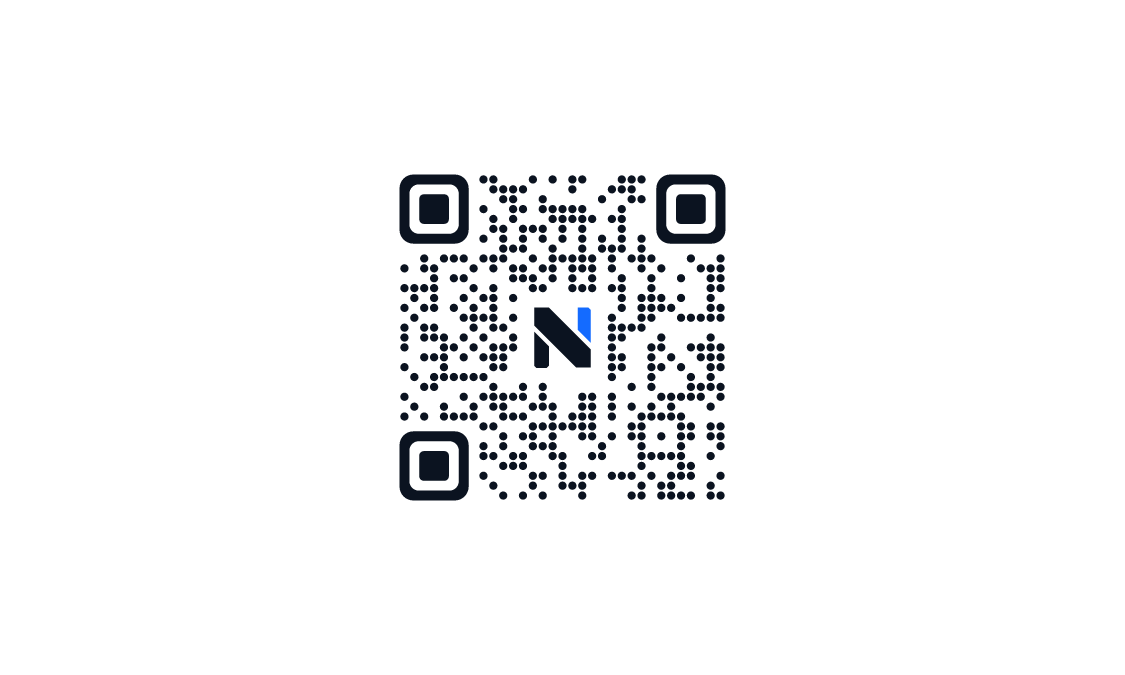
Production back on the inverted (white) field: a single ~1.35" Style 3 branded QR (ECC H) centred on the card with the Niall Tech N embedded in the centre. No separate wordmark, CTA, or additional copy.
Additional production assets
Editable vector master for the approved inverted back: large centred branded QR only.
True 300 DPI production raster rendered from the approved vector master (1125×675 px full bleed).
True 300 DPI production raster (LZW TIFF) rendered from the approved vector master.
Downloads
Lettermark (N + www.nialltech.com) for laptop-back die-cut, plus legacy 3″ square stacked lockup.
N lettermark + www.nialltech.com. Tight die-cut bounds for laptop-back branding on White BOPP vinyl.
Print-ready transparent raster of the lettermark die-cut sticker artwork.

3 inch square die-cut sticker with stacked logo and nialltech.com. Vector master for VistaPrint BOPP vinyl.
Print-ready transparent raster of the 3 inch die-cut sticker artwork.
Downloads
Letterhead, invoice, and proposal/SOW covers as print-ready PDFs plus SVG sources.
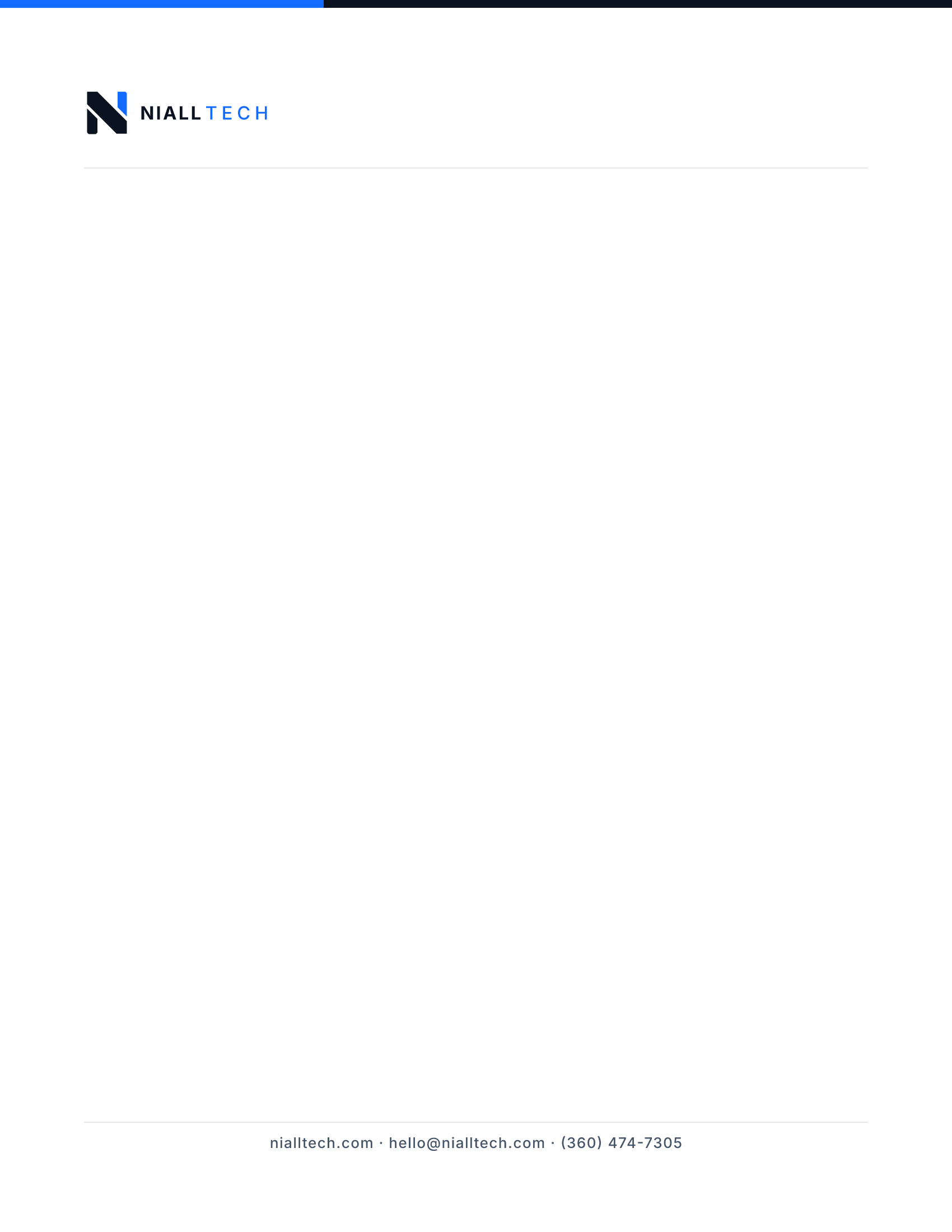
Minimal letterhead with logo and footer contact block.
Editable vector source for the letterhead.
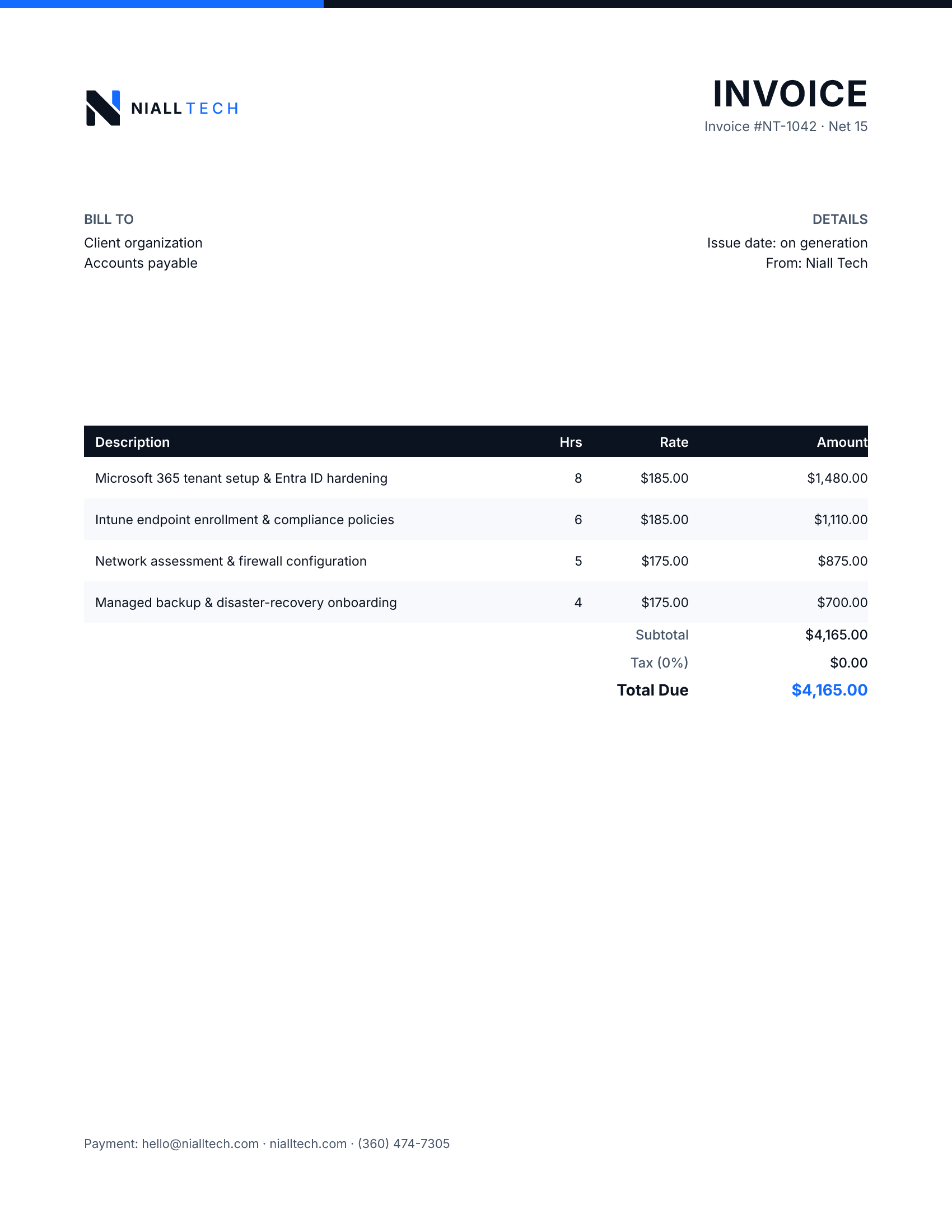
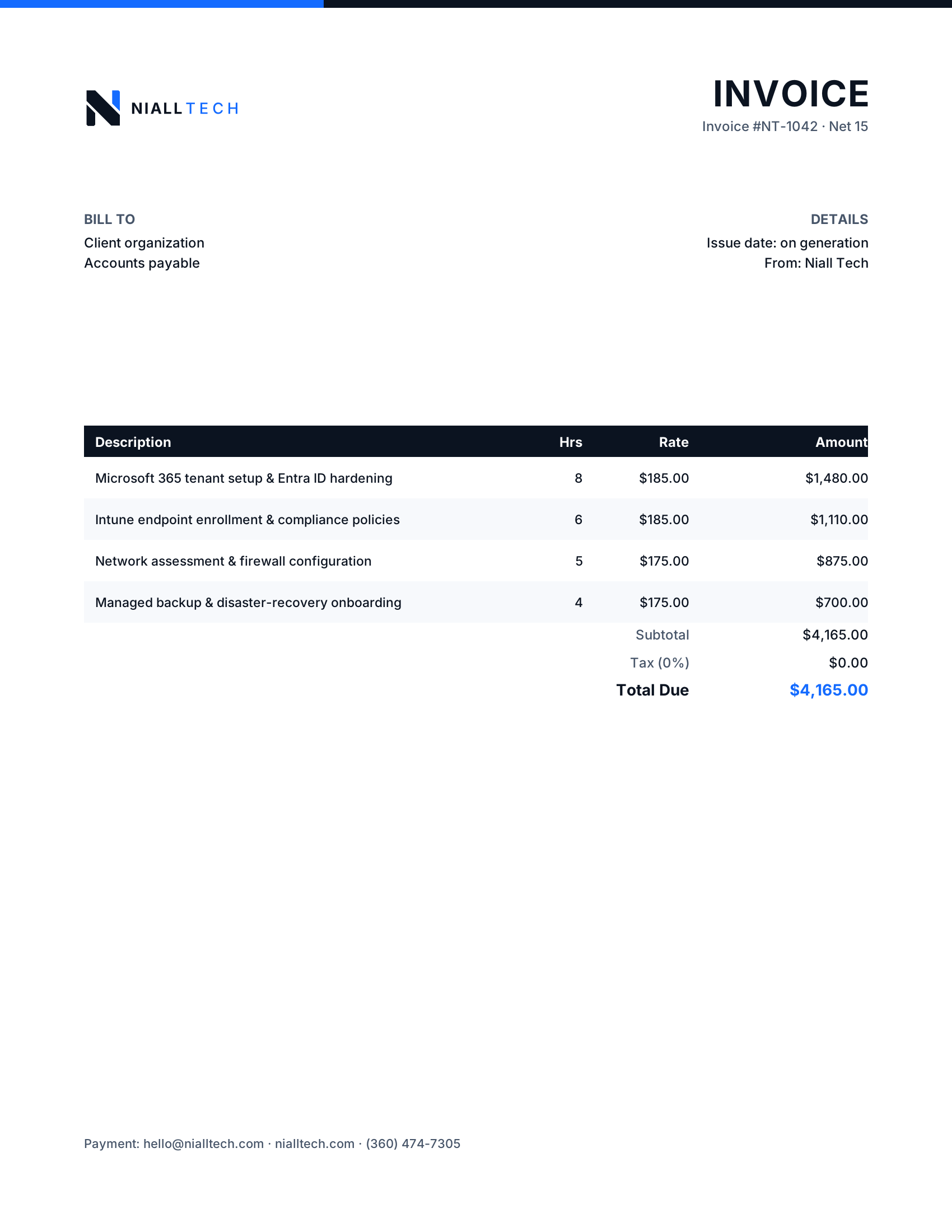
Branded invoice with itemized services and totals.
Editable vector source for the invoice.
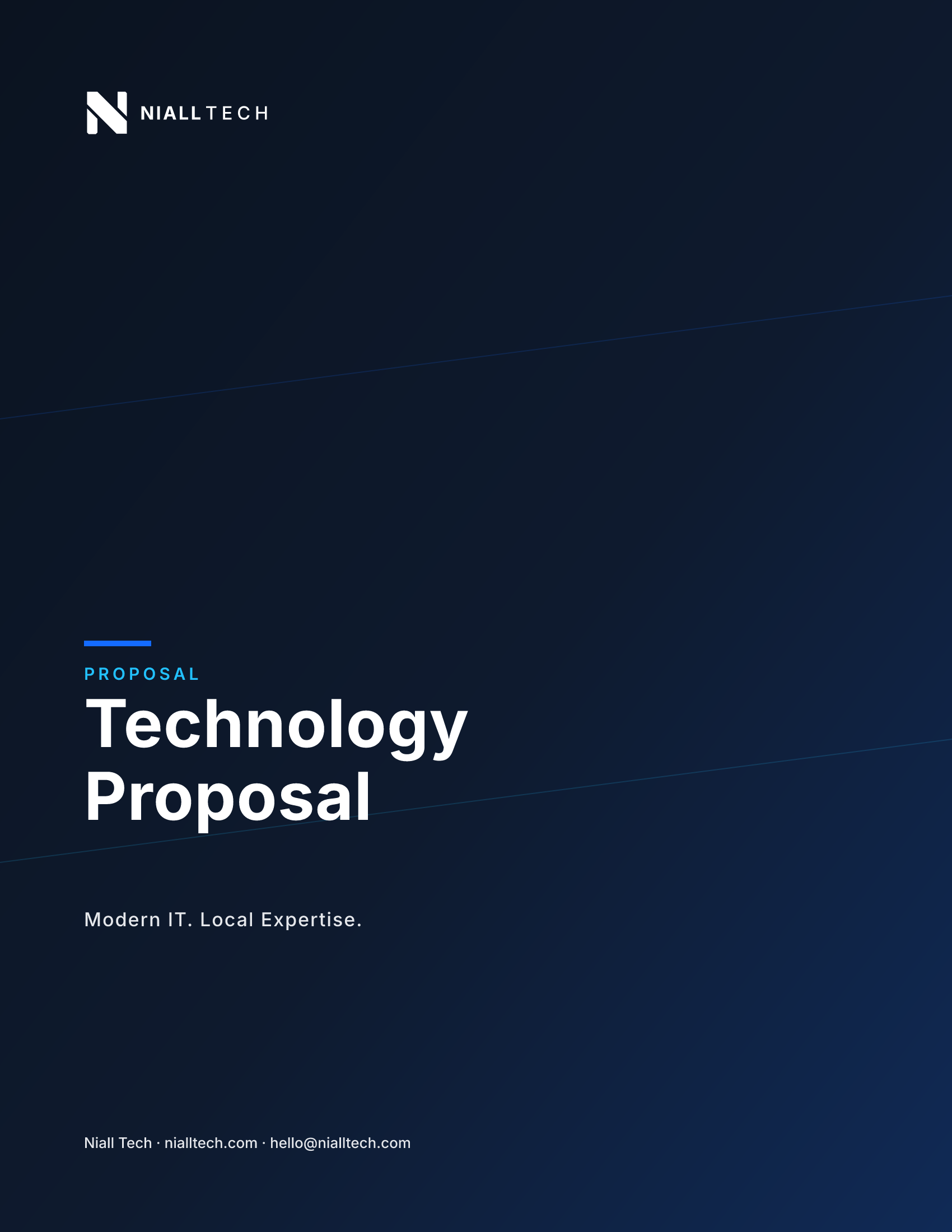
Navy proposal cover with reverse lockup and tagline.
Editable vector source for the proposal cover.
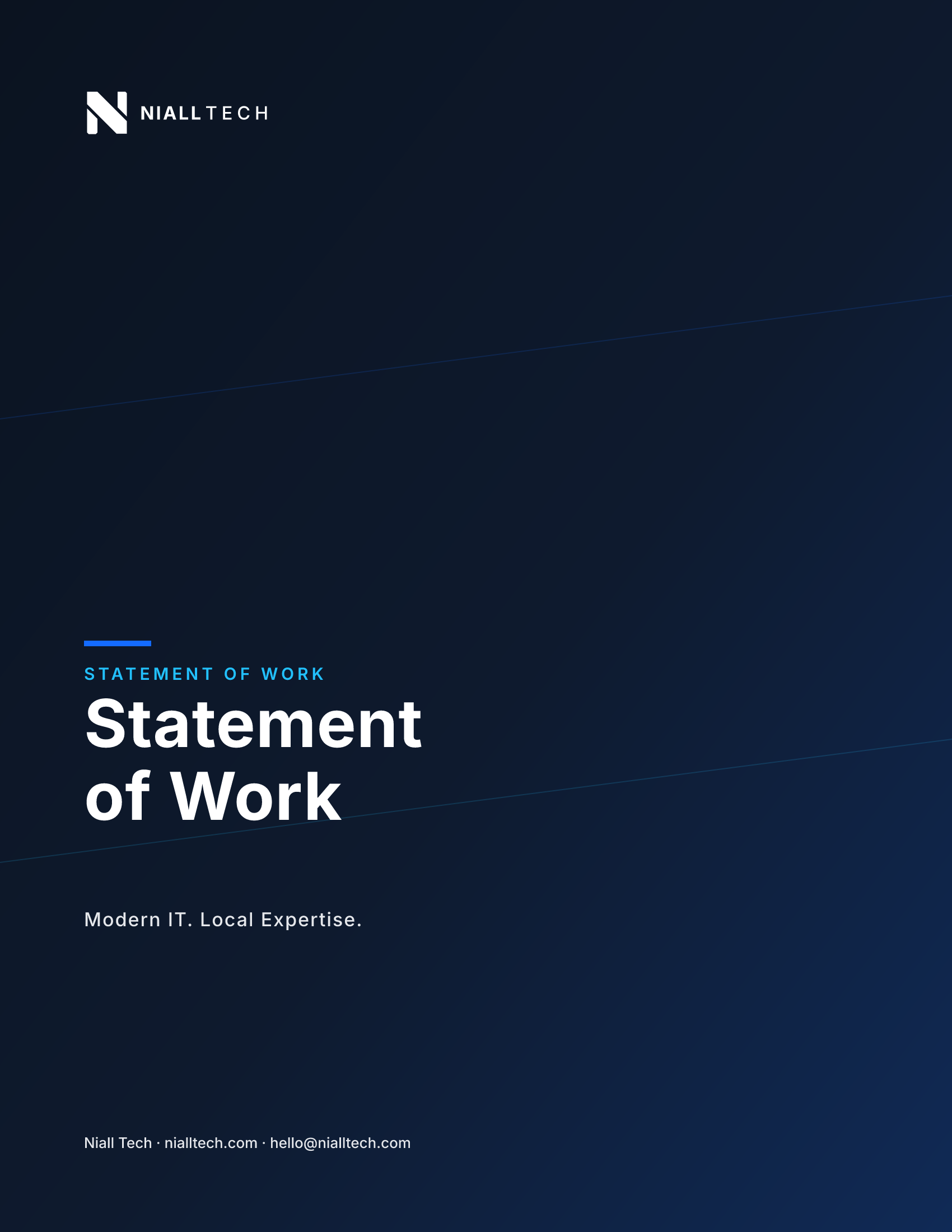
Navy SOW cover matching the proposal system.
Editable vector source for the SOW cover.
Downloads
Responsive HTML and Outlook-safe signatures ready to paste in.
Responsive HTML email signature with logo and contact block.
Outlook-safe table markup for desktop Outlook signatures.
Downloads
Ready-to-edit PowerPoint deck and Word template, pre-branded with the approved logo and palette.

Deck with title, section divider, content, and thank-you slides.
Branded Word template with header logo and footer contact.
Downloads
PDF and SVG masters for vendors. Native AI/EPS are not generated—import SVG into your design tool if required.
Printable RGB logo master sheet.
One-color print master sheet.
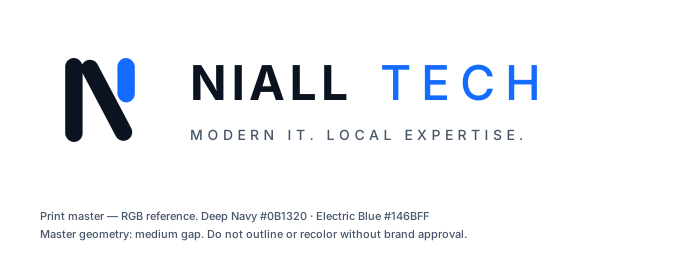
Vector print master with color notes.
Downloads
High-contrast vehicle decal artwork and the stitch-optimized embroidery mark.

High-contrast white lockup with tagline for vehicle panels.

Simplified navy icon optimized for stitch clarity.
Palette
Core palette for logos and supporting UI. Copy HEX or RGB values for design tools.
Primary logo color, dark backgrounds, wordmark NIALL
Accent pillar, TECH wordmark, interactive accents
Secondary highlights and motion accents only
Secondary text and tagline on light surfaces
Borders, dividers, light structural surfaces
Reverse logos and light backgrounds
Type
Inter is the brand typeface for lockups and formal brand materials. Site UI may use Plus Jakarta Sans and Manrope.
Wordmark
NIALL TECH
Tagline
MODERN IT. LOCAL EXPERTISE.
Bold / Semibold — NIALL
Aa Bb Cc
Medium — TECH
Aa Bb Cc
Regular — body support
Aa Bb Cc
Guidance
Follow these rules so the mark stays clear, consistent, and recognizable.
Keep the icon at least 16px digital / 8mm print. Prefer 24px+ in product UI.
Leave clear space equal to at least half the icon width on every side of the lockup.
Use the full-color (dark) logo on white, light gray, or pale surfaces.
Use the reverse (light) logo on Deep Navy, near-black, or photography with strong contrast.
Use black or white mono lockups for single-ink print, engraving, and fax.
Use the embroidery mark. Do not reduce gaps or introduce gradients in stitch files.
Use the vehicle decal asset on dark panels. Maintain clear space around door handles and body lines.
Light backgrounds
Full-color logo on white or light gray.
Dark backgrounds
Reverse logo on Deep Navy.
Don'ts
Avoid these alterations. When in doubt, download an approved file from this page.
Do not stretch
Never scale non-uniformly or distort proportions.
Do not rotate
Keep the mark upright. Do not tilt or mirror.
Do not recolor arbitrarily
Only approved navy, blue, black, or white combinations.
Do not add shadows
No drop shadows, glows, bevels, or outlines.
Do not use low contrast
Avoid navy on charcoal or white on pale gray.
Do not change spacing
Keep the gap between icon and wordmark as provided.
In the wild
Previews of the approved mark on apparel, drinkware, vehicles, signage, and more. Each mockup composites the live vector logo — no redrawn art.
Secure IT. Modern Cloud.
Local Expertise.
nialltech.com
Managed IT & Security
nialltech.com
Package
One ZIP with every approved asset—logos, PNG exports, favicons, social, collateral, office templates, email signatures, and print—plus README, colors, and asset index.
niall-tech-brand-assets.zip
Includes logo masters, raster exports, favicons, social covers & banners, business cards, stationery, email signatures, Office templates, print PDFs, README.md, brand-colors.txt, and asset-index.json.










Downloads
Social media
Avatars, cover images, and profile banners for company and personal profiles.
Social avatar
Rounded square avatar on white.
Social avatar dark
Rounded square avatar on Deep Navy.
Open Graph 1200×630
Default social sharing image.
LinkedIn company cover
LinkedIn company page cover.
Facebook cover
Facebook page cover.
LinkedIn banner
Personal LinkedIn profile banner with headline.
LinkedIn banner (SVG)
Editable vector source for the LinkedIn banner.
X / Twitter banner
X (Twitter) profile header with headline.
X / Twitter banner (SVG)
Editable vector source for the X banner.
GitHub org banner
GitHub organization profile banner.
GitHub org banner (SVG)
Editable vector source for the GitHub org banner.